Write-up
Designing Athena
Store any information of all kinds; tasks, memories, notes, projects, and more in a unified and organized interface.
Background
Discord was a rather useful tool for purposes beyond just chatting. I had ended up using it as a notes tool as it provided a 500MB upload limit for nitro users, and more importantly was cross platform with an easy to use app. But it wasn’t natively a note-taking app, and the 500MB upload limit was only for nitro users. At the time I had also used Obsidian side by side, and while it worked well for what it did, it felt heavy and slow to use. As I had a homeserver that was basically sitting around at idle all the time, I decided to take on a project that could take the good “note”-taking features from Discord and to centralize it to a single, self-hostable app.
Premise
I wanted to ensure a few key design principles as the foundation of the app: ease-of-use, accessibility, and versatility. As well as looking nice.
The app has been through 2 major rewrites, due to the scope changing over time. Initially, the app was simply for storing “moments”, which are basically short posts that could be quickly written down and saved, with a tag and archive system that made it easily searchable and sortable.
Features
Moments: Meant for any kinds of notes. It supports Markdown/GFM, coloured tags, and attachments. It supports rendering previews for many kinds of attachments.
Tasks: Lists with due dates, priorities, subtasks, and recurring items. An agenda view displays tasks into a single timeline containing what is due soon. Daily lists reset the completion status of tasks each day.
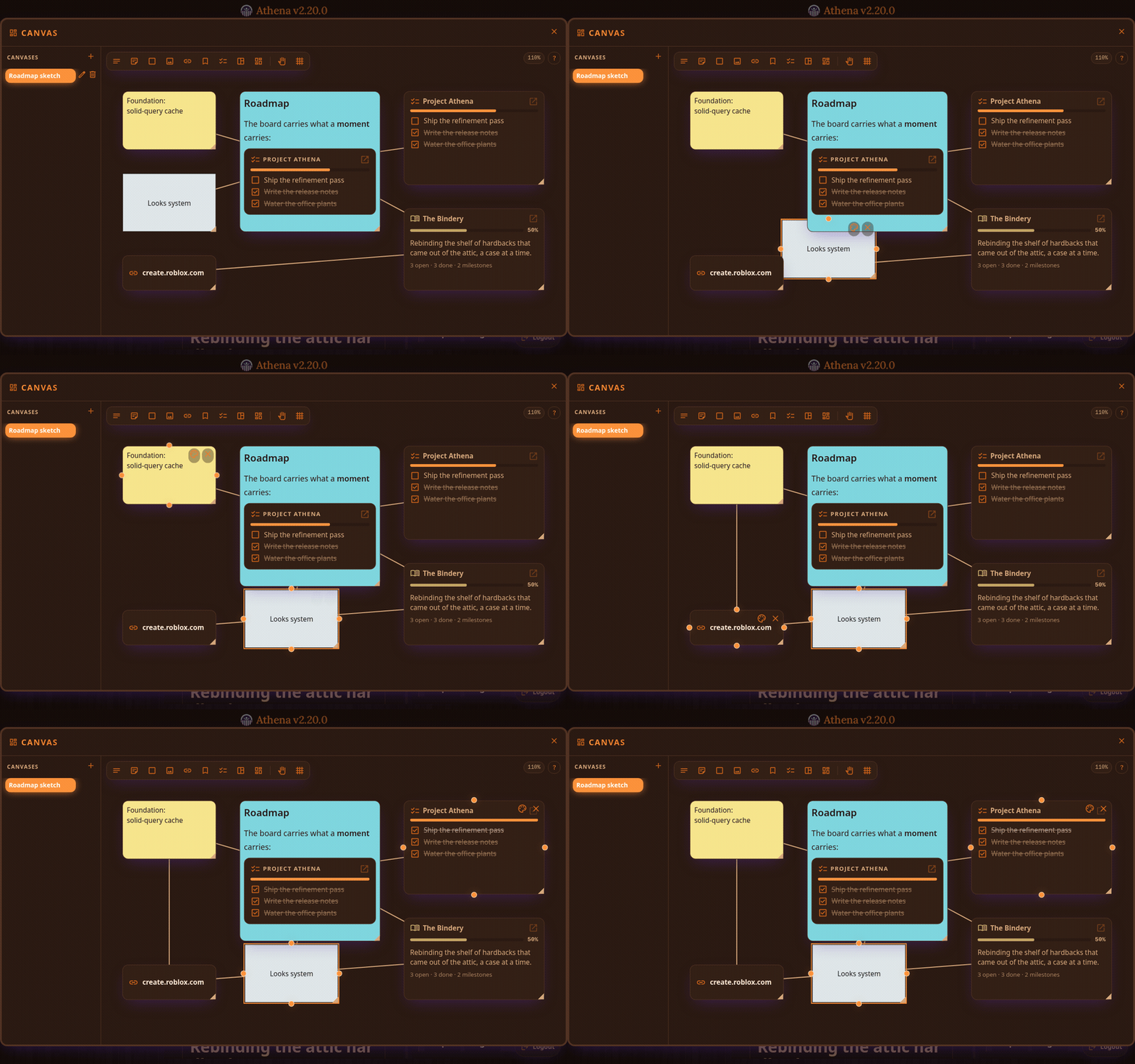
Canvas: Inspired by Obsidian’s canvas feature. An infinite pan-and-zoom board holding sticky notes, labels, shapes, images, web links, and embeds.
Chat: A library-wide message log rendering the same formatting and embeds as moments.
Users: Invite links and codes with expiry, roles with per-permission control, an audit log, and backups on a schedule or on demand.
Projects: A dedicated project management system that provides organized workspaces to manage projects of any size, with collaboration support and metrics.
Cross-Platform: As it is a self-hosted webapp, you can easily access a library from any device with a browser.
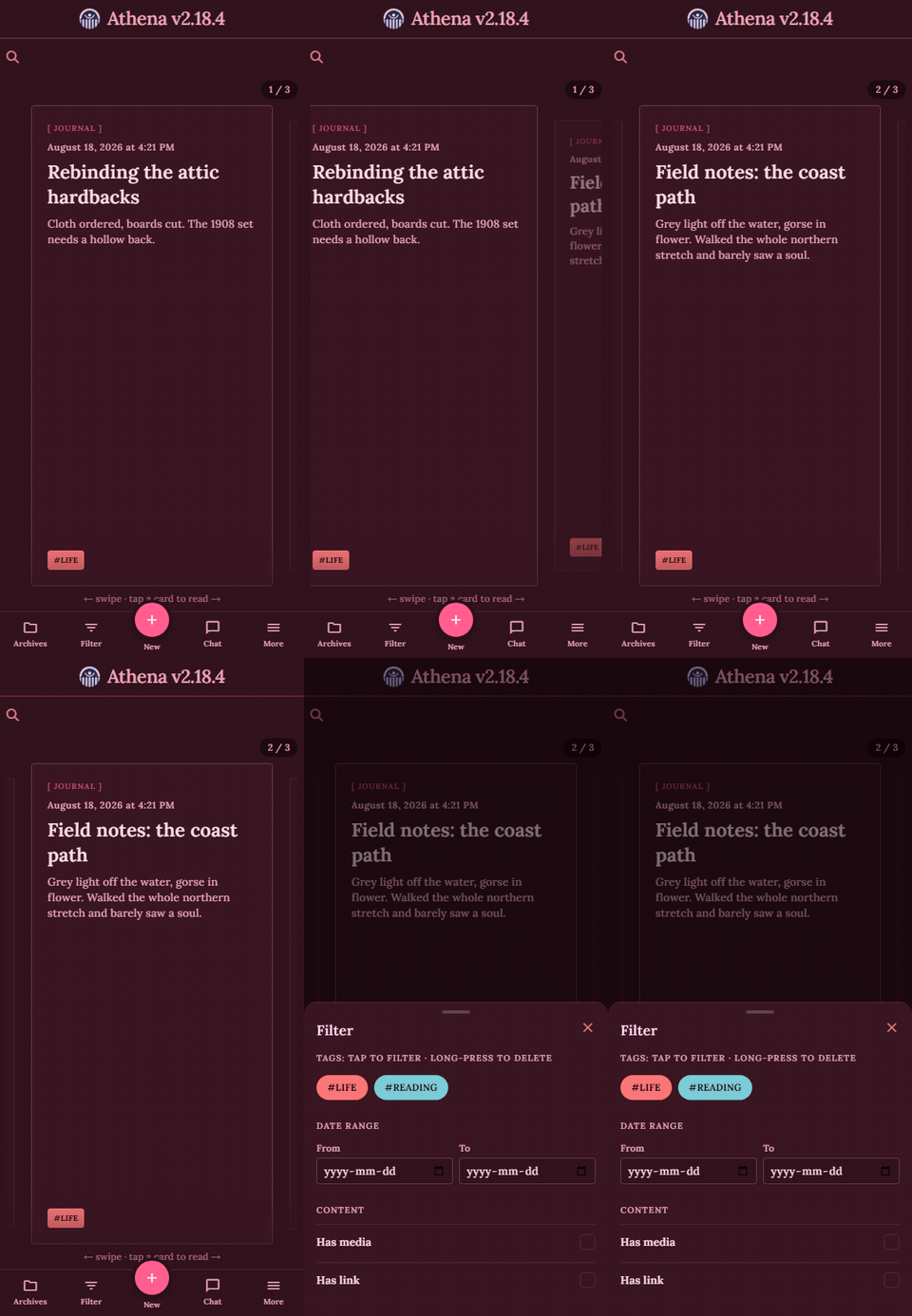
Accessibility & Ease of Use
These two principles are achieved by reducing the amount of clicks and actions required to perform common tasks.
A moment can be created directly in the main menu with a single button press, as the creator component is exposed directly on top of the feed with all the input fields exposed, as well as automatic tag suggestion depending on the context.
All libraries and archives are displayed on the left side for easy viewing and filtering, as well as various previews for menus like the chat and member list on the right side.
The tag and archive system allows for easy organizing of information as well as easily sorting and filtering through them as tag selections will never allow an empty query.
Chats, Projects, Task lists, and Canvas embeds are available to any text field that supports the same formatting as moments. This means that everything can cross reference each other if needed and it will render previews, allowing for a unified look and feel across the various modules.